System Requirements
| Component | Minimum | Recommended |
|---|---|---|
| Processor | 64-bit | 64-bit |
| RAM | 4 GB | 8 GB |
| Disk Space | 80 GB | 120 GB |
| Disk Type | HDD | SSD |
| Graphics | OpenGL 3.0 compatible | OpenGL 4.5 compatible |
| Network | Internet connection | Internet connection |

Independent distribution based on Arch Linux, easy to use and highly customizable.
| Component | Minimum | Recommended |
|---|---|---|
| Processor | 64-bit | 64-bit |
| RAM | 4 GB | 8 GB |
| Disk Space | 80 GB | 120 GB |
| Disk Type | HDD | SSD |
| Graphics | OpenGL 3.0 compatible | OpenGL 4.5 compatible |
| Network | Internet connection | Internet connection |
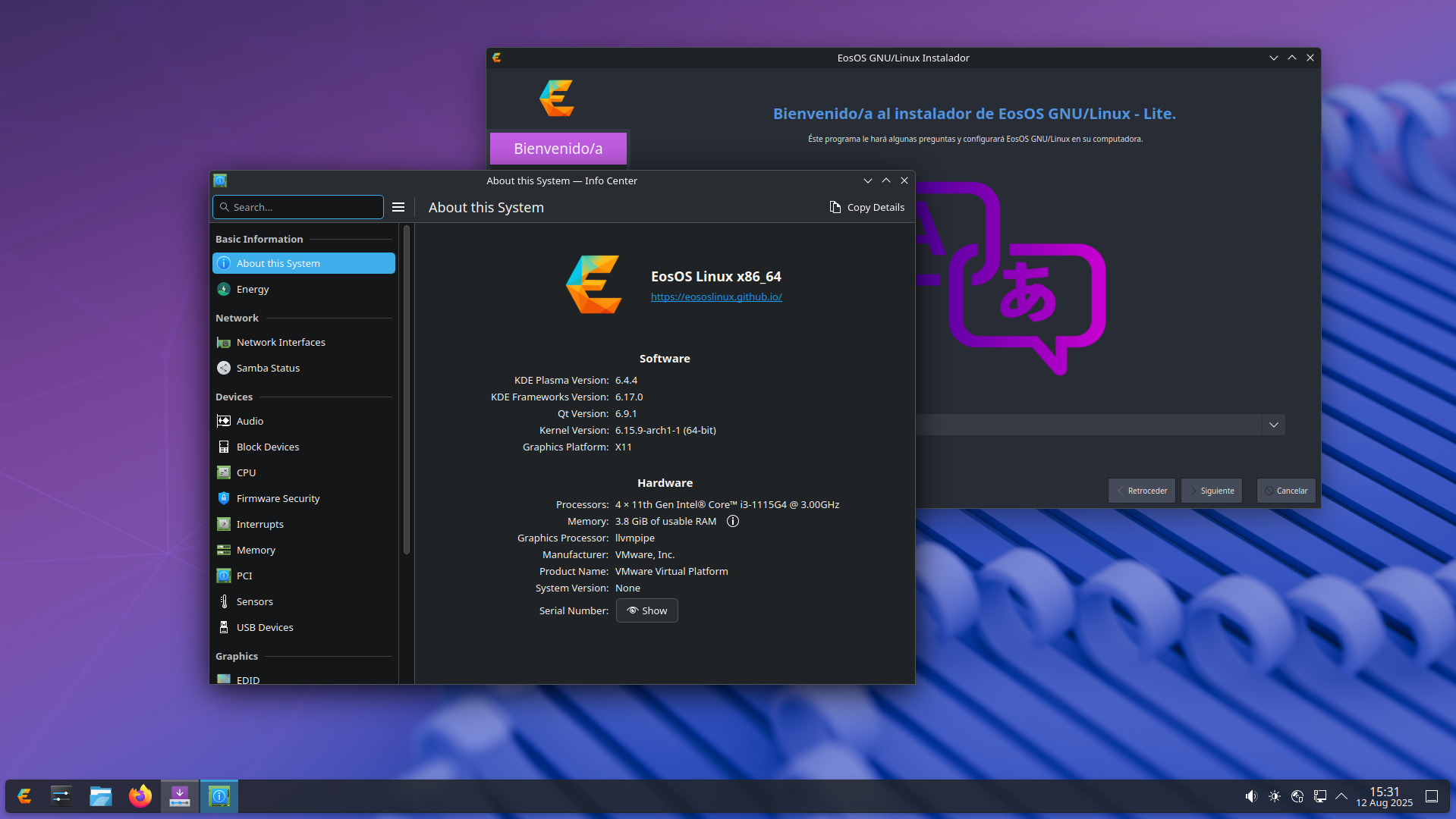
sha256sum: 8d476cc2cdea1f382ccde55a8d7dd8f4513f1b85cc9163d7743506ba9d353100
Boot the PC and press the manufacturer specific key to open your device's setup utility. Common keys used: Esc, Delete, F1, F2, F9, F10, F11, or F12.
Create a bootable USB using DD/Etcher/Ventoy/Rufus. Ventoy is the easiest method and allows multiple editions on the one USB, while DD/Etcher are the most reliable.
If your firmware supports UEFI, then configure your device to use UEFI only in its setup utility. UEFI is much preferred over BIOS whenever possible.
Boot from the USB drive. When using Ventoy make sure to use the "GRUB2" option in the boot menu. After booting the live media, start the installer and follow the guided installation procedure.